DPI is a display and touch measurement that describes how finely your phone tracks movement across the screen. In gaming terms, a higher DPI means the view responds to smaller thumb movements, so the same swipe travels further and faster than it would at a lower DPI on the same device.
For Free Fire players, DPI sits underneath every sensitivity decision. You can tune sliders for a week and still feel inconsistent if the underlying DPI fights your style. Reviewing it through a Sadx Freestyle panel app routine keeps DPI and sensitivity in the same conversation, which is exactly where they belong for anyone who wants predictable aim.
What Changing DPI Actually Does
Raising DPI makes touch input report more steps for the same physical swipe. On screen, that feels like extra speed and responsiveness: turns complete sooner, drags rise faster, and small corrections register more clearly. Lowering DPI does the opposite, producing a heavier, slower feel that some players prefer for careful scoped shots.
DPI also affects the interface itself on many phones, because it changes how large screen elements render. Icons, buttons, and menus may look smaller at higher values. That side effect is worth knowing before you experiment, so a changed home screen does not surprise you into undoing a gaming improvement for the wrong reason.
Why DPI Matters for Drag Headshots
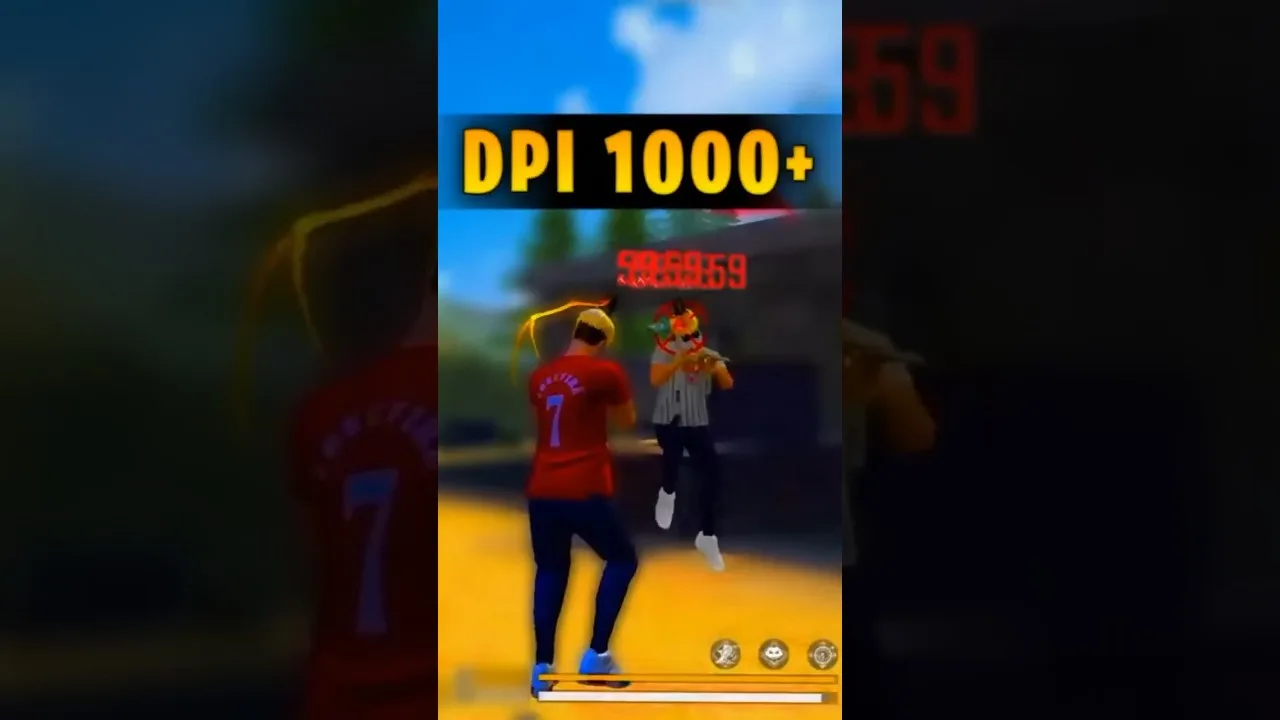
Drag aiming depends on a smooth, rising swipe that carries the crosshair from chest height to head height in one motion. DPI decides how much screen travel that motion needs. At a suitable DPI, the drag feels like one natural flick. At a poor DPI, players either run out of screen or overshoot above the head entirely.
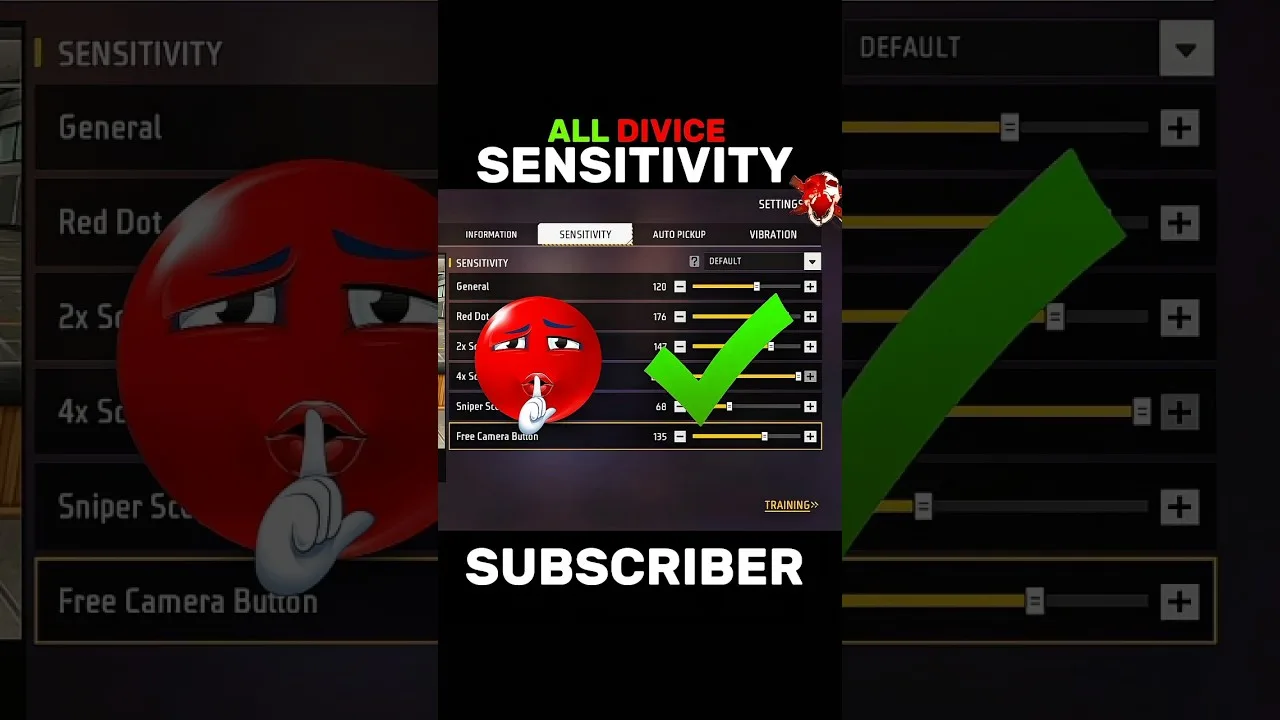
This is why two players can share identical sensitivity numbers and report completely different results. Their DPI values differ, so the shared numbers produce different physical movements. The fuller picture appears in the Sadx Freestyle sensitivity settings explanation, which shows how DPI and slider values combine into the single feel you experience in a match.
Finding a Sensible Starting Range
Most Android phones ship with a default DPI somewhere in the high three hundreds to low four hundreds. Players experimenting for Free Fire often explore a moderately higher range rather than jumping to extreme values, because moderate steps preserve control while adding the responsiveness drag play needs.
Treat the first change as an experiment with a safety net. Note your original value before touching anything, change by a modest step, and then play training drills for at least fifteen minutes. Your hands need time to recalibrate, and judging a new DPI in the first sixty seconds almost always produces a misleading verdict you will reverse later.
Matching DPI to Your Screen Size
Screen size changes what a good DPI feels like. On a compact phone, a high DPI can make movement feel twitchy because the physical swipe distance is short. On a large phone or tablet, the same value can feel comfortable because your thumb has more room to travel before reaching the screen edge.
If you play on more than one device, expect to keep different DPI and sensitivity pairings for each rather than forcing one profile everywhere. The notes on Sadx Freestyle settings for different phone sizes go deeper into this matching process, including how grip and thumb reach change the equation alongside raw screen dimensions.
Changing DPI Carefully and Reversibly
On many Android phones DPI can be adjusted in developer options or display settings under names like smallest width. Whichever route your phone offers, change only that one value and leave neighbouring settings alone. Random changes in unfamiliar menus create problems that are hard to trace back afterwards.
After each change, restart the game so it reads the new value cleanly, then test turning, red dot drags, and one scoped drill. If the feel improves, keep the value for several full sessions before considering another step. DPI rewards patience even more than sensitivity does, because your muscle memory rebuilds around it with every match you play.
Signs Your DPI Is Working Against You
Certain complaints point at DPI before anything else. Drags that feel perfect in one part of the screen and rushed in another, turns that demand two swipes while drags demand barely one, and aim that felt right on a previous phone but wrong on this one all suggest the foundation value deserves a review before the sliders get another round of changes.
Another tell is inconsistency between sessions. If the same settings feel sharp on Monday and vague on Wednesday with no changes in between, the pairing of DPI and sensitivity may be sitting on an uncomfortable edge where small differences in grip or posture tip the feel either way. A modest DPI step, followed by light sensitivity corrections, often moves the profile back onto solid ground.
Keep one perspective in mind throughout: DPI is a means, not a score. No value is impressive by itself, and chasing the highest number a phone allows usually ends with aim that feels electric and unusable in equal measure. The right DPI is simply the one at which your turns, drags, and scoped shots all feel like natural extensions of your thumb, session after session. Find that point through modest steps and honest testing, write it down beside your sensitivity profile, and then give your hands the long, stable practice they need to turn a good setting into a lasting skill.
Final Thoughts
DPI is not a magic number that guarantees headshots, but it is the foundation your sensitivity settings stand on. Understand what it changes, adjust it in modest reversible steps, and pair it with a reviewed sensitivity profile, and your aim will feel more consistent from the first swipe of every session.
Your download is ready
Use the APK link below and follow the install steps on this page.